Your SIM fleet, under control
The Atlas M2M console puts every card in your hands: activate it, suspend it, send it an SMS and follow its data usage, without going through us.
Full control of your SIMs
An online console where you manage every card yourself, at any time, without opening a support ticket or calling an operator.
CONSOLE / 01
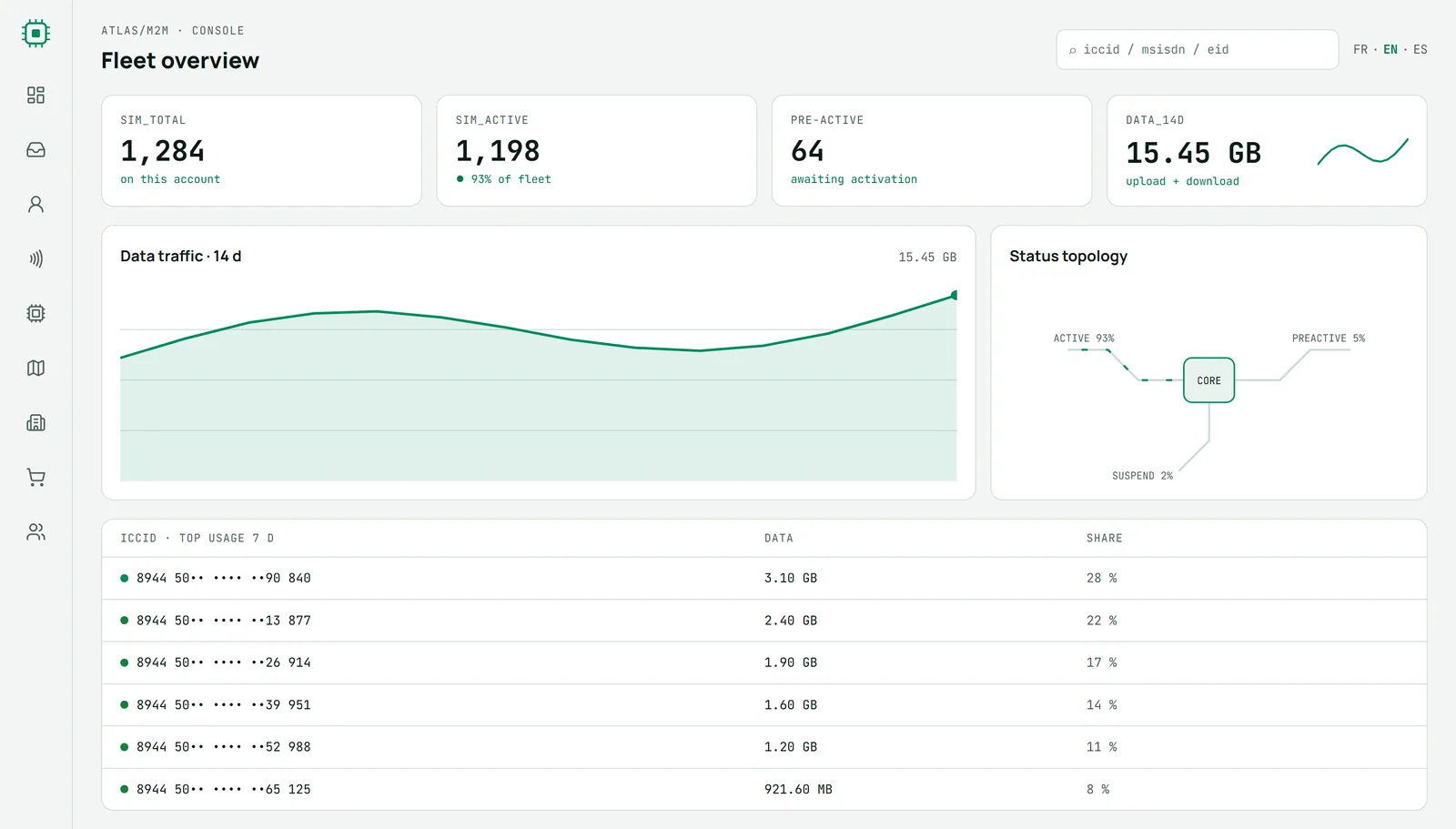
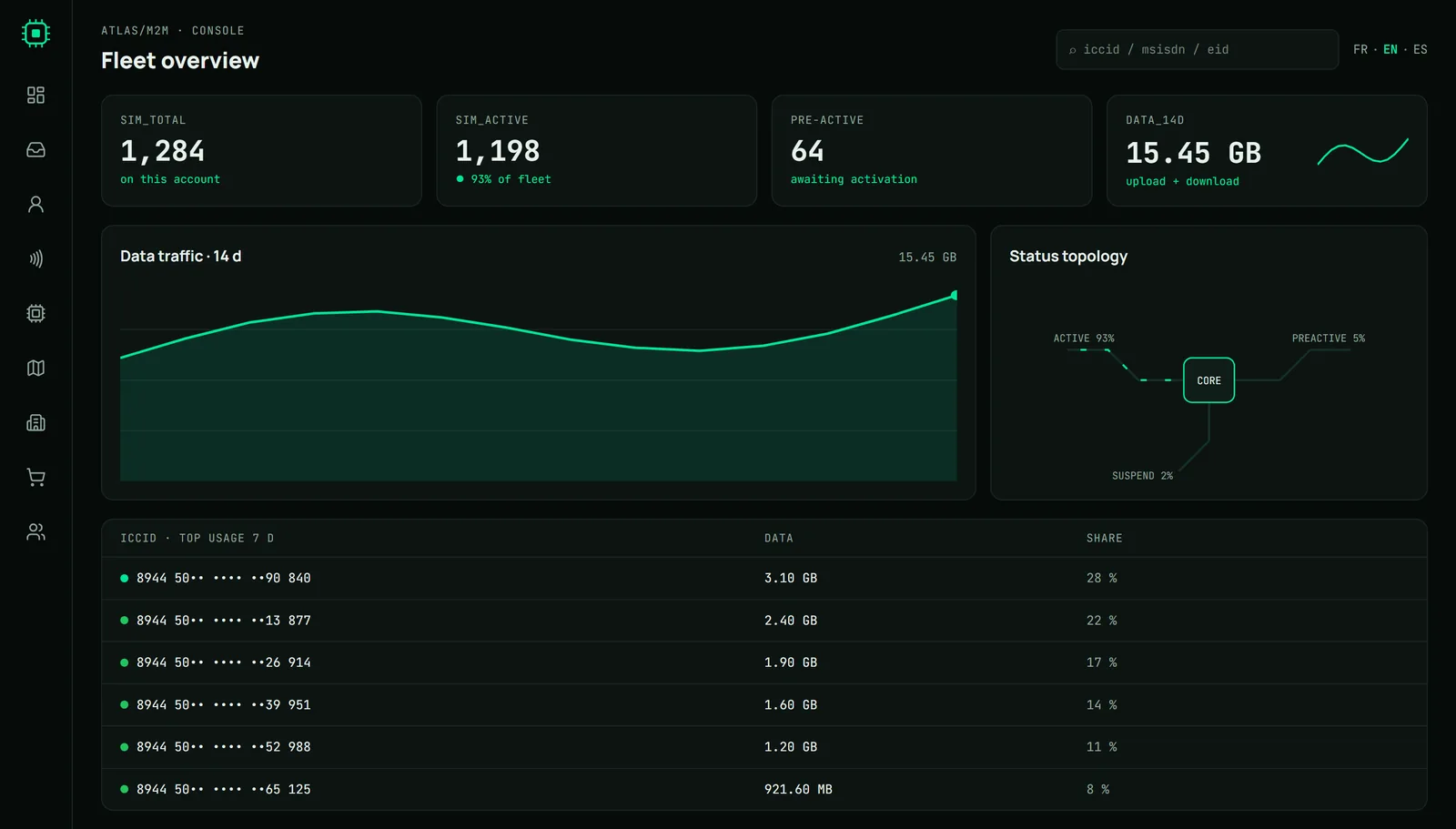
Your whole fleet at a glance
Active SIMs, data used over 14 days, the split by status and the cards that use the most. You spot a drift before it gets expensive.
CONSOLE / 02
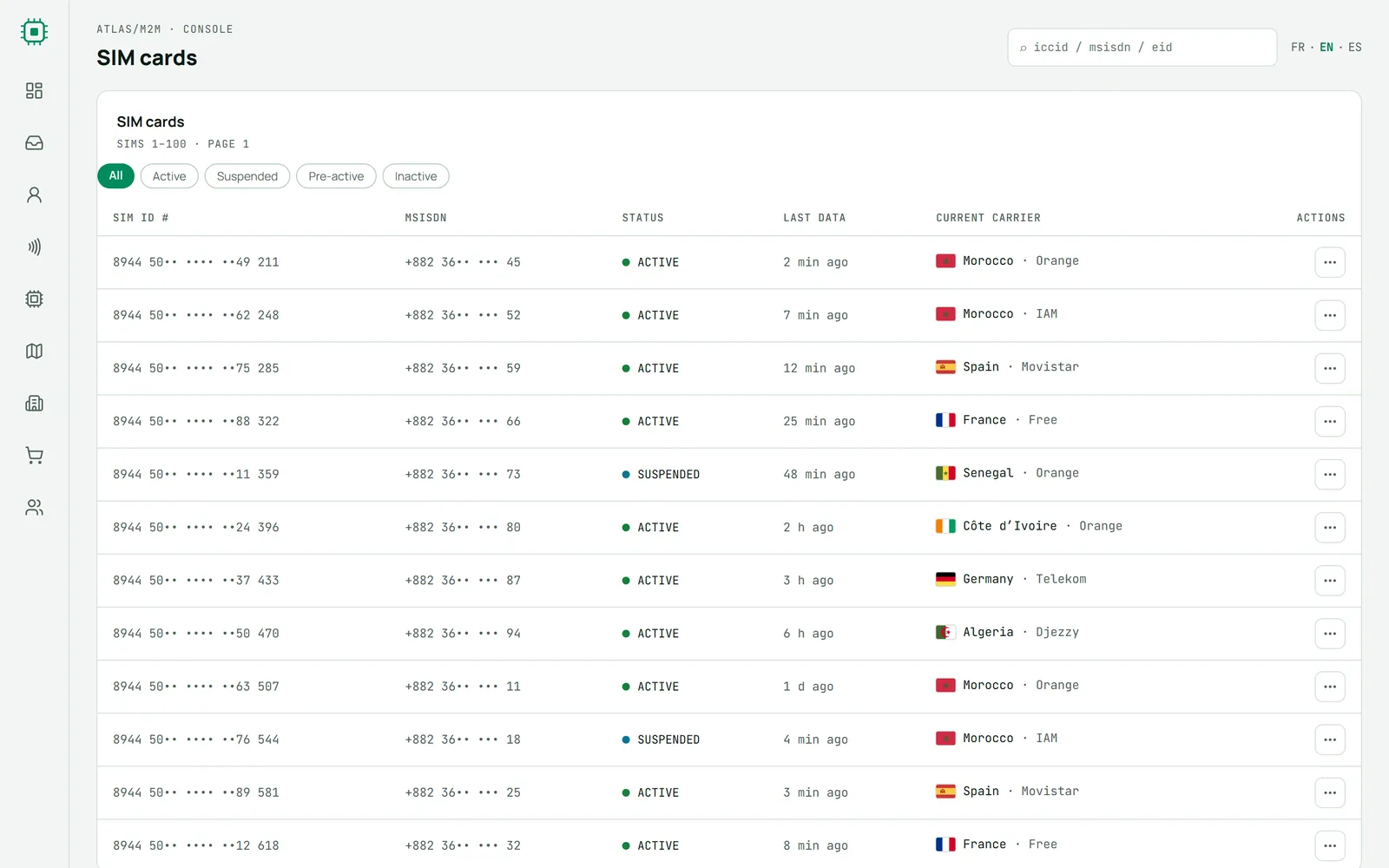
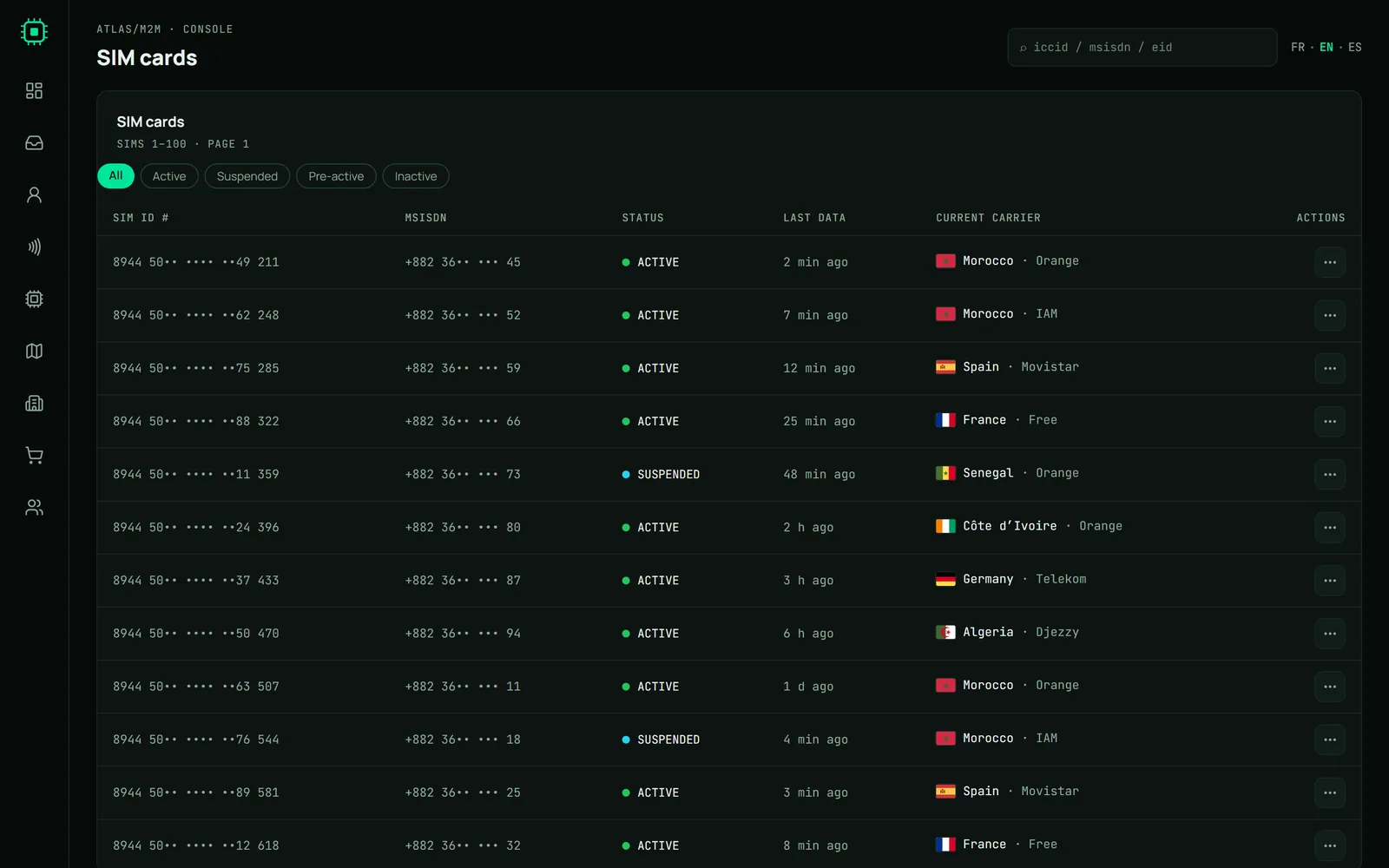
Every SIM at hand
Activate, suspend or reactivate a line, send a configuration SMS to the tracker, force a SIM to reconnect. For each card you see its status, the time of its last data and the country and operator it is connected to.
CONSOLE / 03
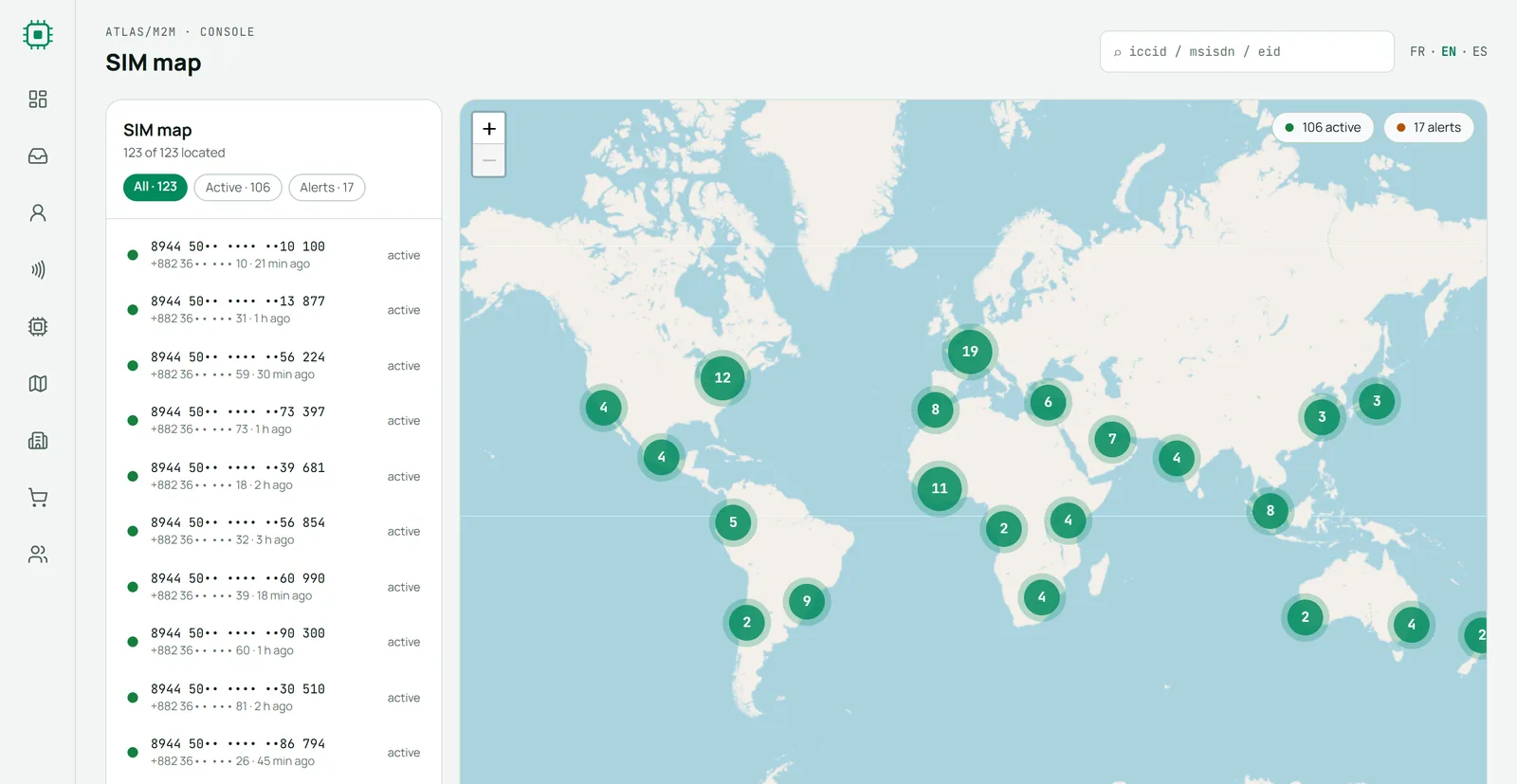
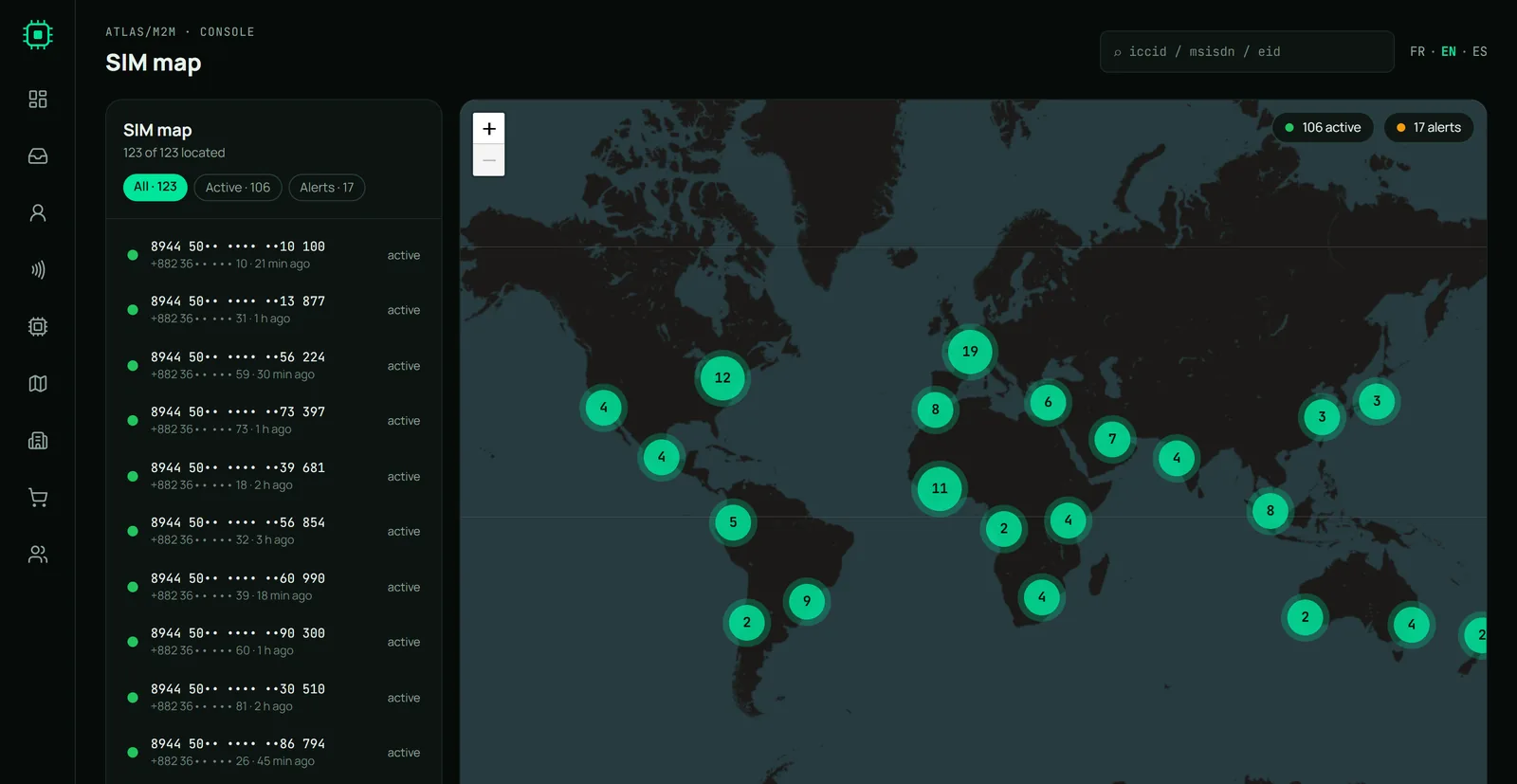
Your SIMs on the map
Each SIM is placed from the network it is attached to. Nearby cards are grouped and split apart as you zoom in. The position comes from the network, not from GPS, so it stays approximate.
Console screenshots with masked sample data.
The rest of the console
eSIM / 01
eSIM profiles
Follow the eUICC profiles of your eSIMs and the active ICCID of each one.
CMD / 02
Orders
Order new SIMs and follow their activation from the console.
LANG / 03
Three languages
The console works in English, French and Spanish, in light or dark mode.
FIND / 04
Quick search
Find a SIM from the last digits of its ICCID, number or EID.
Try the console with 3 free SIMs
30 days, 50 MB in total. Your account is ready in two minutes.